

Download Fing APK – Network Scanner, Device Detection, Security Tool
Overview
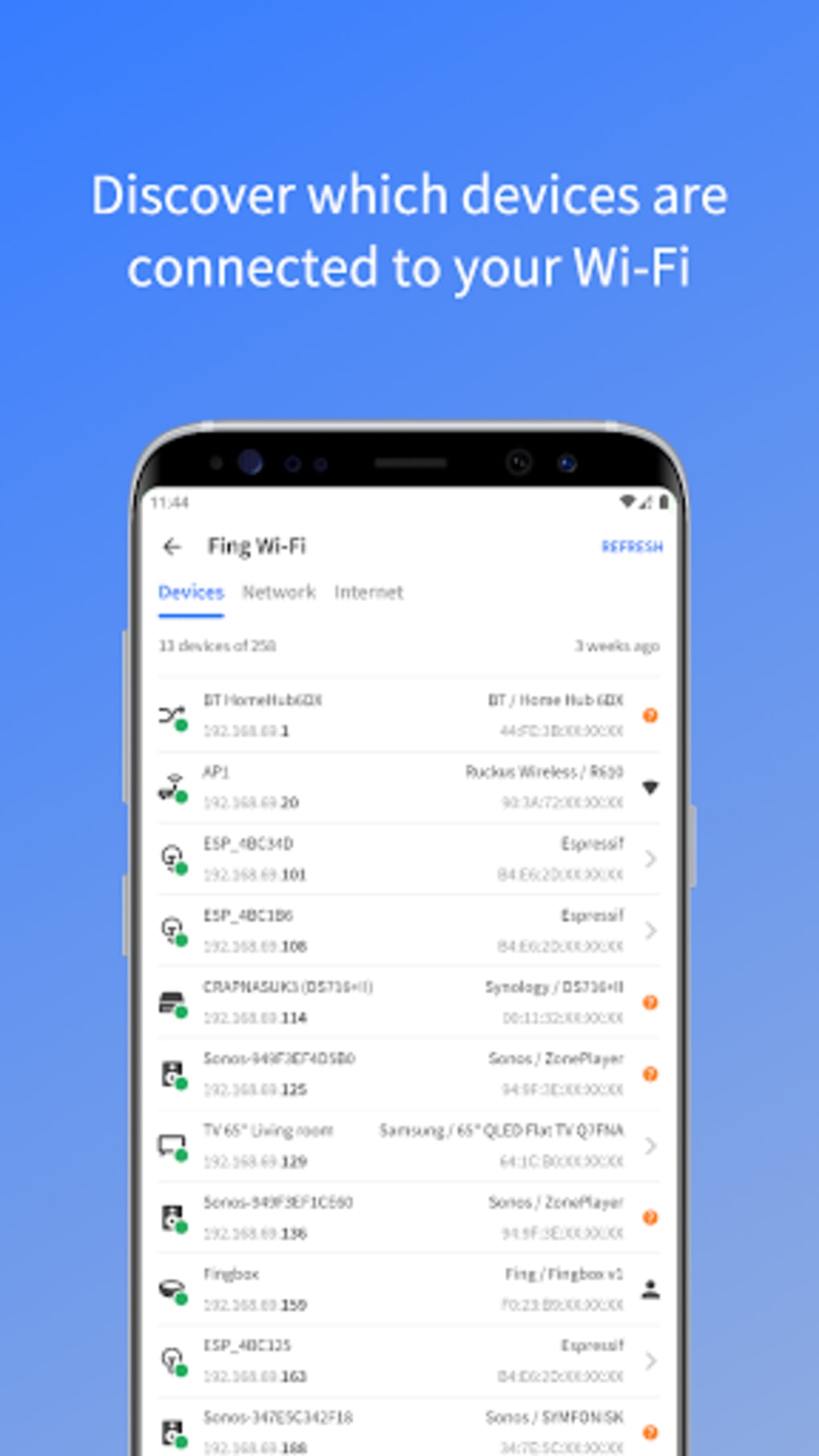
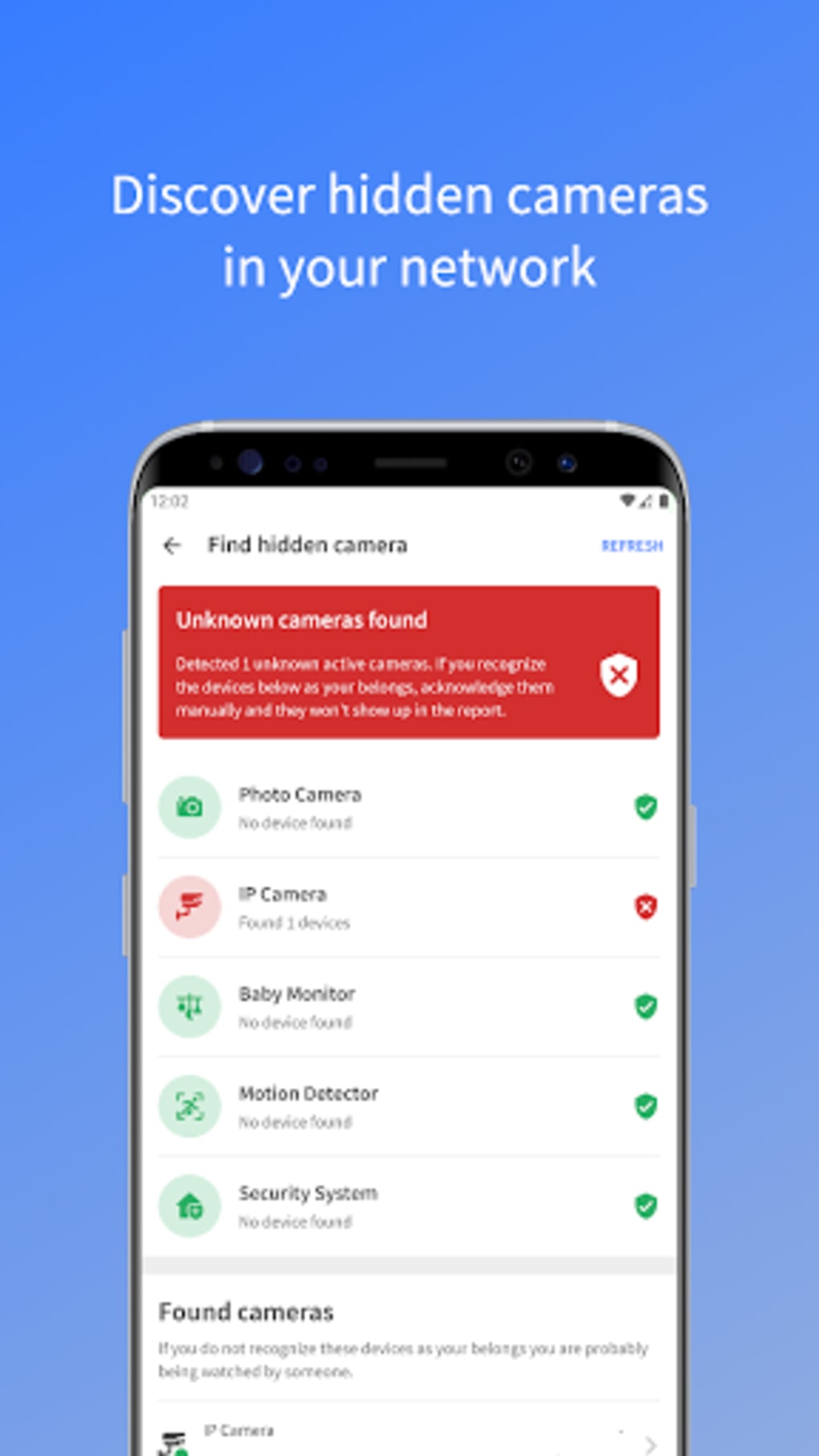
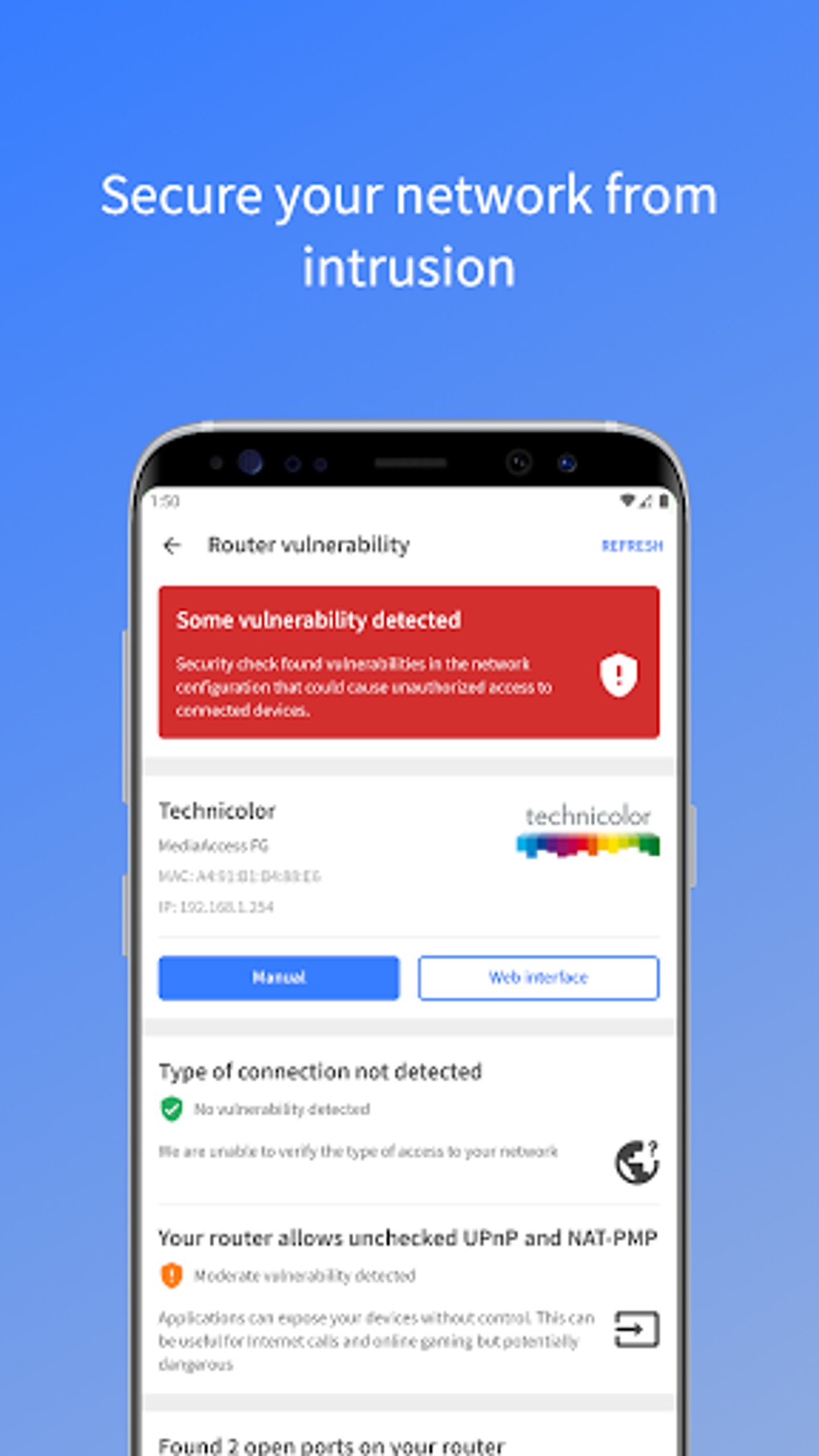
Fing is a dedicated network scanning tool designed to help users quickly identify and monitor all devices connected to their local network. The software serves as a real-time visibility solution, enabling users to detect unauthorized or unknown devices, troubleshoot connectivity issues, and maintain network security. Its primary purpose is to simplify network diagnostics by delivering essential device information—such as IP address, MAC address, device name, and manufacturer—in a clear, accessible format. This makes it particularly valuable for IT professionals, network administrators, and home users concerned about network integrity.
While the software is free to use, it maintains a clean, ad-free interface, which is uncommon for tools of this nature. This enhances usability and ensures uninterrupted functionality during critical scans. Fing is available across multiple platforms, including Android, iOS, Windows, and macOS, allowing for consistent network monitoring regardless of the user’s primary device. Real-world applications include identifying bandwidth-hogging devices, detecting rogue access points, or verifying that only authorized devices are connected. The developer did not provide additional details about the company or development background.
Key Features & Capabilities
- Real-time Network Scanning – Instantly detects all active devices on a local network, providing immediate insight into connected hardware.
- Device Identification – Displays detailed device information, including IP address, MAC address, device name, and manufacturer.
- Multiple Export Formats – Supports export of scan results in HTML, CSV, TXT, XML, and JSON formats for further analysis or documentation.
- Lightweight & Fast Performance – Designed to launch and complete scans in seconds, minimizing system resource usage.
- Ad-Free Experience – Delivers core functionality without interruptions from advertisements.
These features enable users to efficiently manage network activity, especially in environments where security and performance are critical. For example, a home user experiencing slow internet speeds can use Fing to identify a device consuming excessive bandwidth. An IT professional can leverage the export capabilities to generate reports for internal audits or compliance checks. The tool’s cross-platform availability ensures seamless integration into diverse network ecosystems, though the developer did not specify advanced automation or scheduling features.
User Interface, Workflow & Performance
The user interface of Fing is designed with simplicity and efficiency in mind. The main screen displays a clean list of connected devices, with key details clearly presented in a tabular format. Navigation is intuitive, allowing users to initiate a scan with a single tap or click, and view results immediately. The workflow is streamlined: start, scan, analyze, and export—ideal for both quick checks and deeper investigations.
Performance observations are based on general software behavior patterns. The application is described as lightweight and fast, suggesting minimal impact on CPU or RAM usage during operation. However, exact performance details were not specified.
Stability appears consistent across platforms, with no reported issues related to crashes or freezes. The developer did not provide information on background operation, update frequency, or long-term resource consumption. Users can expect a responsive interface and rapid scan completion, but specific benchmarks or load testing data were not included.
Compatibility & System Requirements
Fing is available for Windows, macOS, Android, and iOS, making it a cross-platform solution suitable for diverse computing environments. The software is designed to function on standard desktop and mobile operating systems, though exact system requirements were not listed. Installation size and hardware specifications were not provided by the developer.
Platform compatibility information is limited to the supported operating systems. Users should ensure their device meets the baseline requirements of the respective OS to run the application. The developer did not specify minimum processor speed, RAM, or storage needs. For users on older systems or low-resource devices, performance may vary, but no official constraints were mentioned. It is recommended to consult the official source for the latest version and compatibility notes.
Pros and Cons
Pros
- Free to use with no advertisements
- Fast and lightweight scanning performance
- Supports multiple export formats for data sharing and analysis
- Intuitive interface suitable for both technical and non-technical users
- Available across multiple platforms including Windows, macOS, Android, and iOS
Cons
- Limited advanced features beyond basic scanning
- No information on automation, scheduling, or integration with other tools
- Exact system requirements and resource usage details not disclosed
- May lack deep diagnostic tools for enterprise-level network management
FAQ Section
Is Fing available for Windows and Mac?
Yes, Fing is available for both Windows and macOS, allowing users to scan their network from desktop systems.
Can I use Fing without an internet connection?
Yes, Fing operates offline and does not require an internet connection to scan local network devices.
Is Fing safe to download and use?
Yes, Fing is a secure tool designed for network diagnostics. It does not collect or transmit personal data beyond what is necessary for scanning.
Does Fing support automatic updates?
Automatic update functionality is not specified. Users are advised to check the official website for the latest version.
What file formats can I export scan results to?
Fing supports exporting scan results in HTML, CSV, TXT, XML, and JSON formats.
Final Thoughts + CTA
Fing stands out as a reliable, no-frills network scanner that delivers essential functionality without compromise. Its fast performance, clean interface, and ad-free experience make it a top choice for users seeking immediate visibility into their network. While it lacks advanced automation and deep diagnostic features, its core capabilities are robust and well-executed. The software is ideal for home users monitoring household devices, IT professionals conducting quick checks, and network administrators needing a portable scanning solution.
Despite its limitations in scope, the fact that it is free and effective across multiple platforms significantly enhances its value. For anyone who needs to know what devices are on their network—quickly and securely—Fing is a must-have tool. Download Fing APK now and take full control of your network environment.





.png)

